Run your programs with Rovari.
See which parts of Rovari fit your business. Start with the example closest to how you serve adults, children, or families, then check the requirements to confirm before you plan a move.
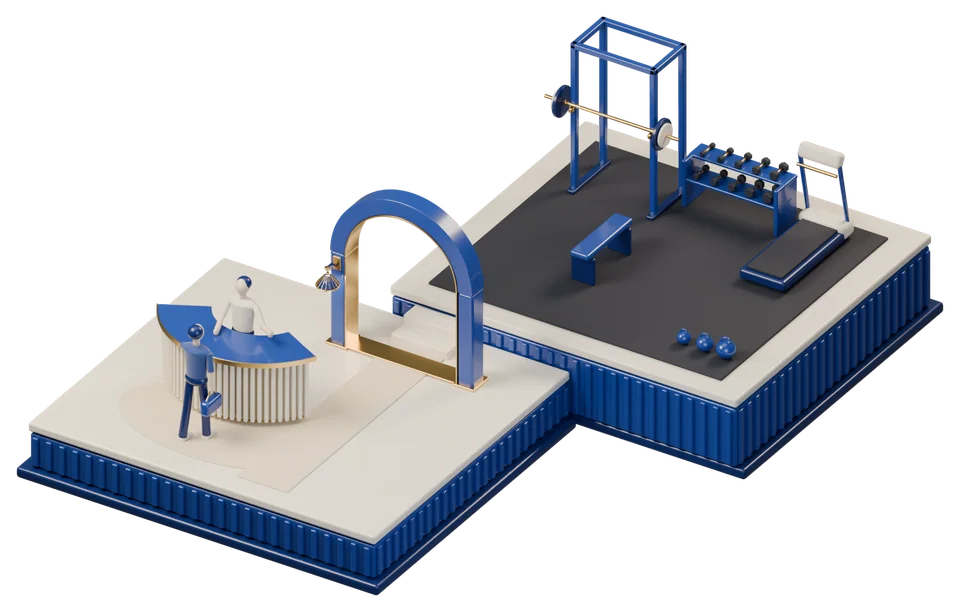
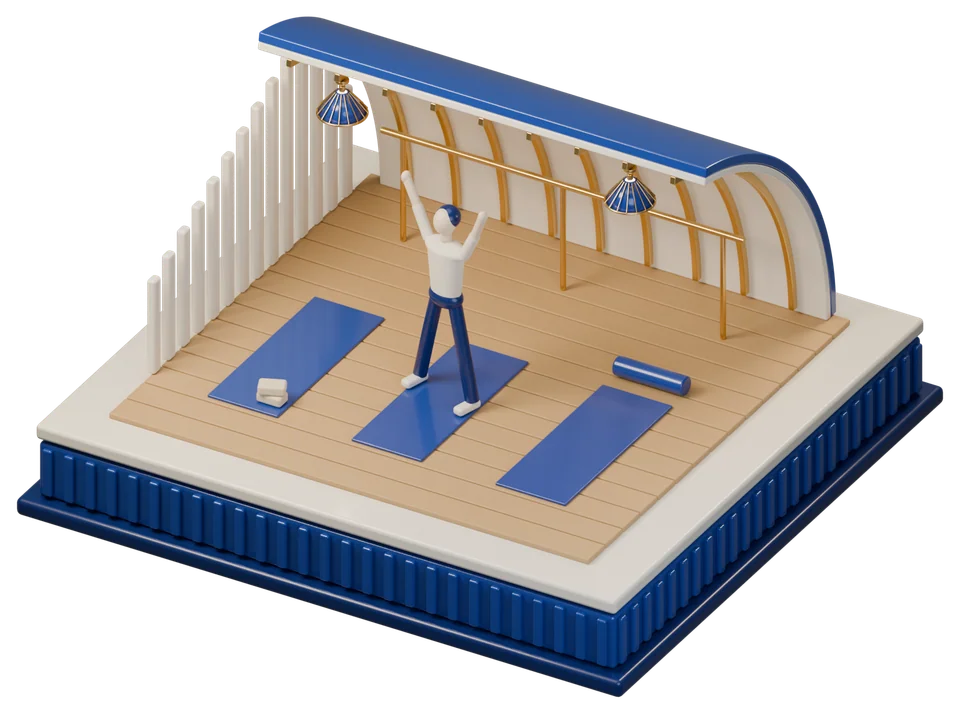
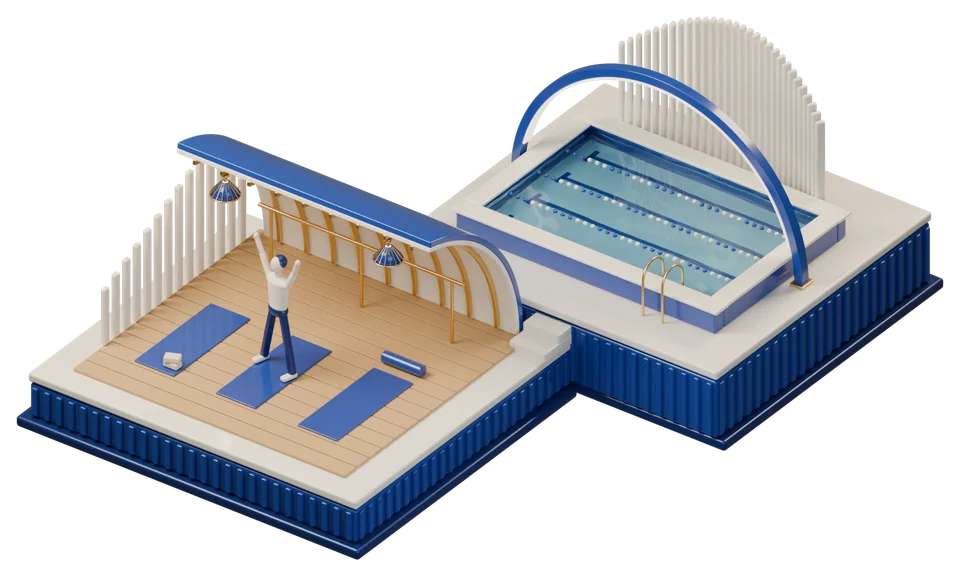
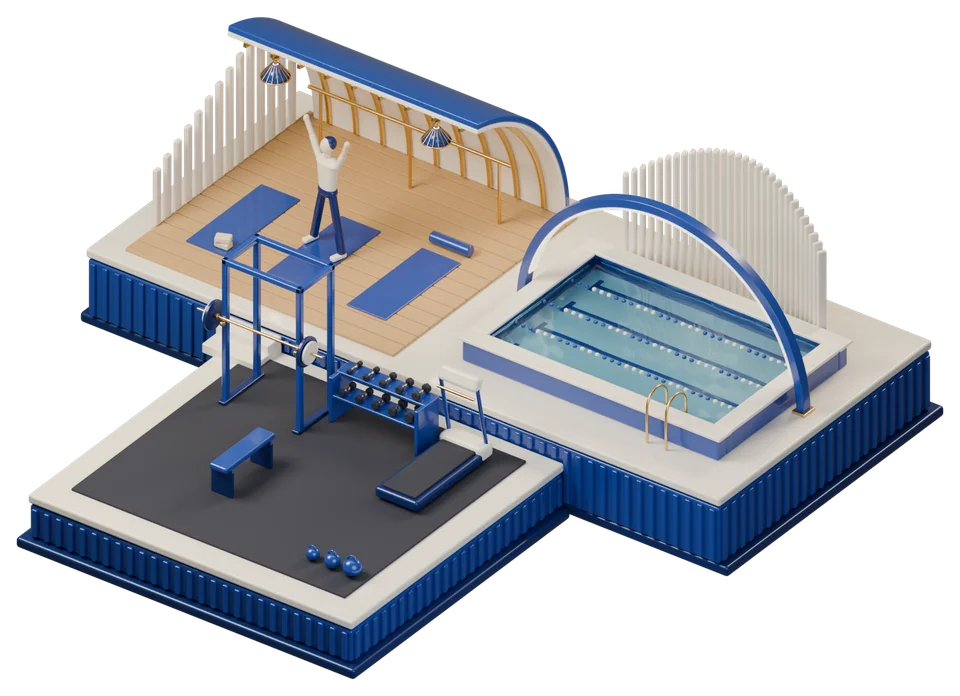
An architectural scene with a front desk, main floor, studio, and pool

Examples by business type
Your business may rely on memberships, classes, or both. Find the example closest to yours and follow its links to the workflows that apply.
Gyms and fitness businesses
Run memberships and recurring card billing without a class schedule. Staff can check whether a member may enter and record a general visit at the Desk. Add scheduling and booking if your gym offers classes. Rovari does not control unattended doors.
Yoga, Pilates, and dance studios
Organize recurring classes and bookings, set capacity, and keep membership records available to your team. Offer session packs for chosen classes or private sessions, including to people without a membership. Use your own program names and review changes to the schedule or a member's plan.
Swim and martial arts schools
Keep student memberships and family permissions clear. If your programs use levels, set the requirements and review each student's progress. Owners can also enable makeup credits with issue dates, eligible classes, caps, expiry, and staff permissions. Staff issue each credit, then the member or current guardian chooses an eligible replacement class in the web portal.
Businesses with several programs
Manage different programs within one organization. Offer classes alongside memberships, and use family or progression features for the programs that need them.
Check whether Rovari fits your business
Start with the signs of a good fit. Confirm anything on the second list before you switch.
Rovari fits if these describe your business
- You run memberships, recurring classes, or both, and staff handle member changes.
- Members pause, cancel, or change plans often enough that the details matter.
- Some members pay for others: a parent for children, or one adult for a household.
- You want an owner or manager to review billing changes that a pause or exit creates.
- You can review your member records before import and follow up with payers who need to add a card.
Confirm these before you commit
If your business depends on any of these, do not assume it is covered.
- Automatic makeup credits after an absence
- Term, session, or semester billing
- Recitals, performances, or events with their own registration
- Unattended door hardware
- Automatic family or sibling discounts
- Bank debit (ACH) payments
- A business outside the US, or billing in a currency other than US dollars
Payments, availability, and pricing
Rovari supports US businesses billing in US dollars through their own connected Stripe account. Signup is not open yet. Pricing and terms are not published; review them before committing to a move.
Payers can use US ACH bank payments for renewals and unpaid invoices on existing memberships.
Moving from another system
You can check which member records Rovari can bring in from a CSV file and approve the import. Saved cards do not transfer, so payers need to add a card for future charges.
Next steps
This form needs JavaScript. To request early access, email vdmsmnk@gmail.com.